Samsung is ready with all the latest One UI 8.5 features, and this is the first time we are going to see an actual productive fusion of AI and UI inside Samsung phones. Amidst the rollout timeline speculations of this OS, we are here with the full reveal of all the new features that you’ll see inside this new OS. So, let us begin.
Also Read: Asus Laptops Price Drop Ignites Amazon Great Indian Festival 2025
Will OneUI 8.5 Be One Of The Best Samsung OS Upgrades?
One UI 8.5, shaping up to be Samsung’s most significant update since One UI 7, combines intuitive UI refinements with AI-powered features, and is scheduled to roll out early next year on eligible devices.
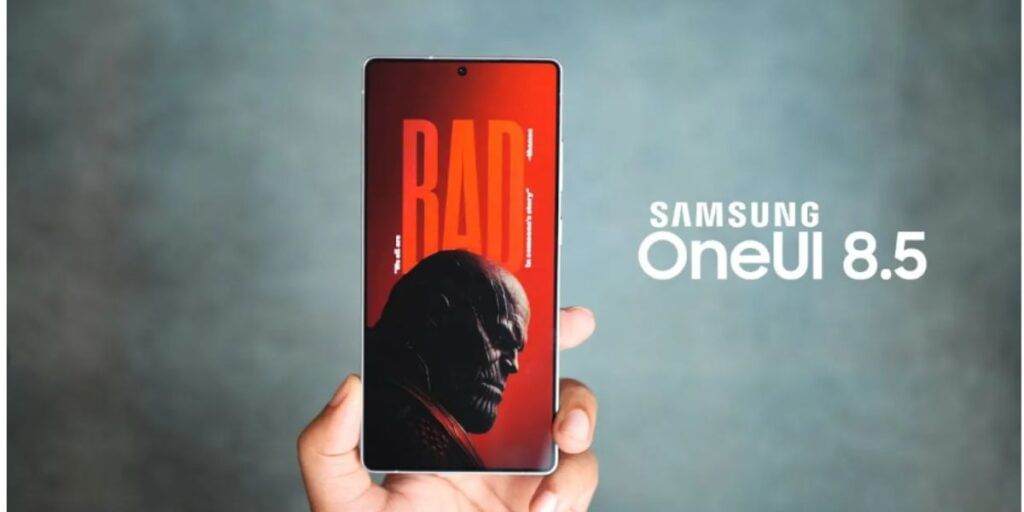
With the latest One UI 8.5 features update, Samsung is introducing three new lock screen clock styles, bringing one of the most impactful UI upgrades to date. Moreover, you’ll see more widgets similar to the Android 16 widgets inside your Samsung phones from now on. For security, advanced bands are introduced on network and battery levels, and also private images and videos are much simpler and more secure within the Samsung Gallery app.
Moreover, Samsung will be spicing things up with the latest AI features, which are not just in apps and camera, but also in connectivity, with never-before-seen additions like new Intelligent Link Assessment learns Wi-Fi signal patterns, and Intelligent Network Switch tracks user movement to hand off to mobile data without interruptions seamlessly.
All One UI 8.5 Features You Should Know
Here are all the latest One UI 8.5 features:
- Streamlined visuals with refreshed icons and smoother animations for a more cohesive look.
- Redesigned Quick Settings panel featuring an optimised layout and faster-access toggles.
- Intelligent Link Assessment that learns your Wi-Fi signal patterns and prioritises the strongest network.
- Intelligent Network Switch for seamless handoff to mobile data based on movement and signal loss.
- Private Album in the Gallery app to hide photos and videos on-device without using a secure folder.
- Contextual AI suggestions that surface shortcuts and recommendations tailored to your habits.
- Machine-learning optimisations under the hood for smarter resource allocation and snappier performance.
Also Read: One UI 8 Beta Rolls Out For These Galaxy Devices: Check Yours
Are you still browsing through your broken screen? Don’t worry! Book an at-home mobile phone screen repair with Cashify—an affordable and one-stop destination for all your mobile phone needs. In case you break your screen within 1 month of repair, we will replace your screen again—for FREE.